
How to Position Your Computer Screen for Good Ergonomics
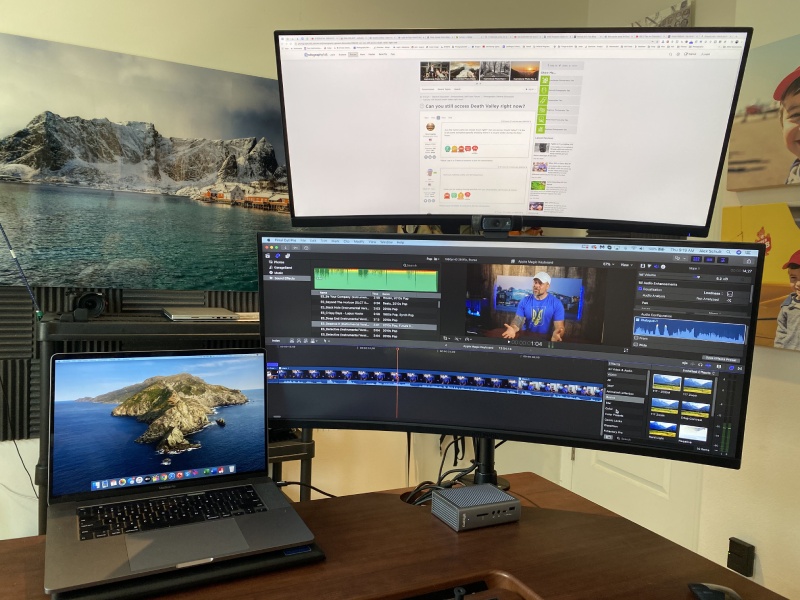


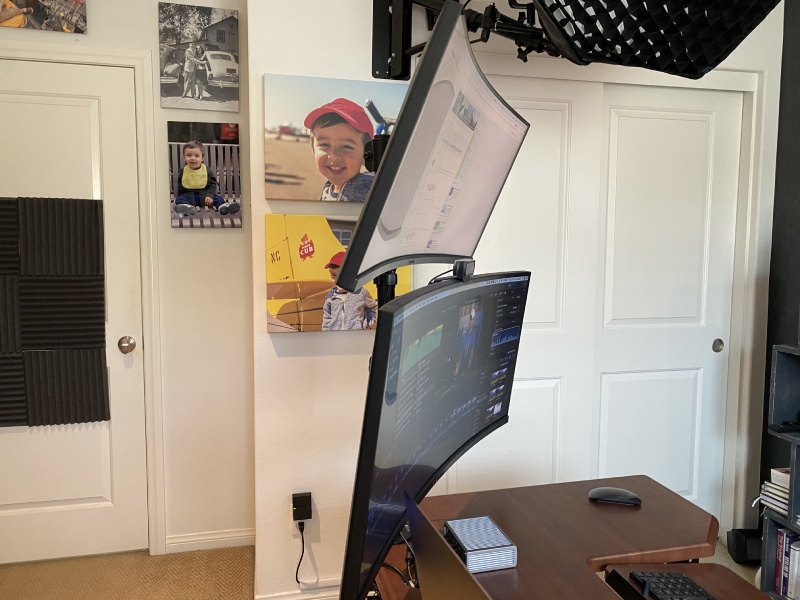
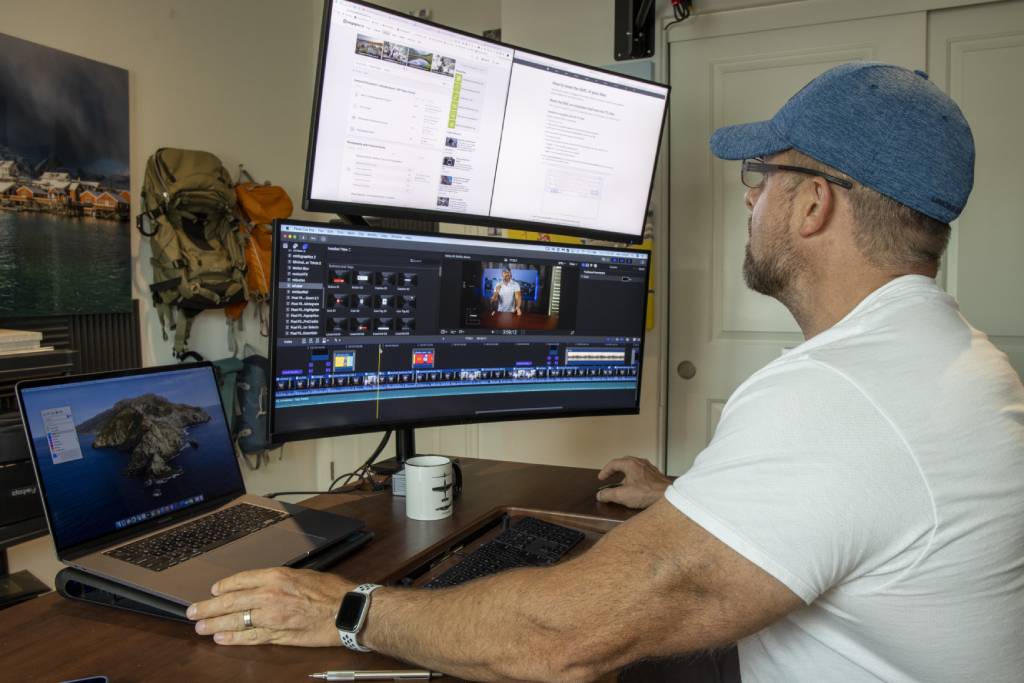
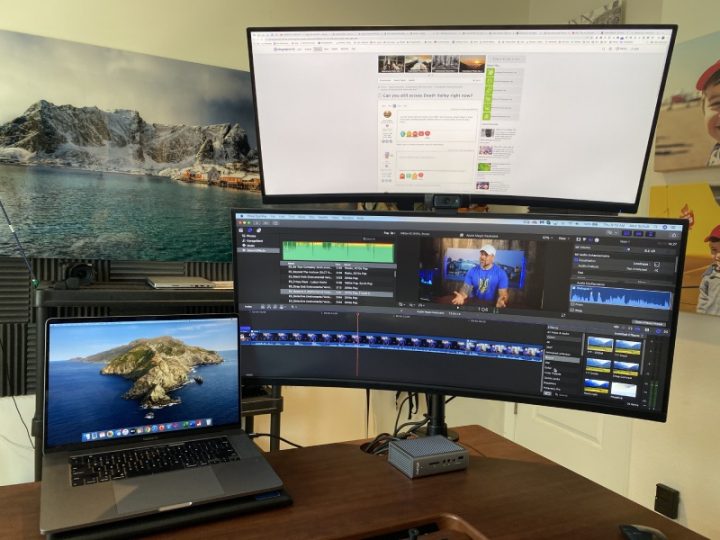
As you can see in my pics, one of the best upgrades I made to my own processing studio is setting it up for dual monitors.
I chose a stacked arrangement with slightly different sizes while others may opt for side by side with same size monitors. I’ve seen some A/V editing studios with three monitors in various configurations.
Dual monitors provide good ergonomics and allow for running multiple programs through the ViewSonic tiling function. I tend to keep the primary image or footage on the lower, larger screen while running other programs on the upper monitor.
Using a large, widescreen computer monitor mounted at eye level allows computer monitor positioning that reduces eye strain and provides good ergonomics for our important and enjoyable image and video processing.
Learn More:Why You Need a Curved Monitor for Photo Editing The Best Upgrade I’ve Made to My Editing Studio What Is Color Gamut and Why Is It Important?
Categories: Photography